Journey
Clankies grew up this week. What started as a functional but nameless prototype — running under the old “MiniOns” codebase — now has its own identity, a production-grade deployment pipeline, and the architectural foundation for its first major integration.
Three parallel workstreams defined this slice:
- Branding: A full visual identity — 20 custom SVG avatars, a new logo icon, project-wide rename to “Clankies”, and a custom Hugo blog theme.
- Infrastructure: A hardened deploy pipeline with CI/CD for both production and staging environments, fixing subtle but painful bugs in the deploy script that caused port conflicts and test failures.
- Architecture: The design and backend implementation of a Trello Power-Up integration — ADR-004, API client, webhook processor, and full behaviour module — turning Clankies agents into Trello-aware workers.
Let’s dive into each.
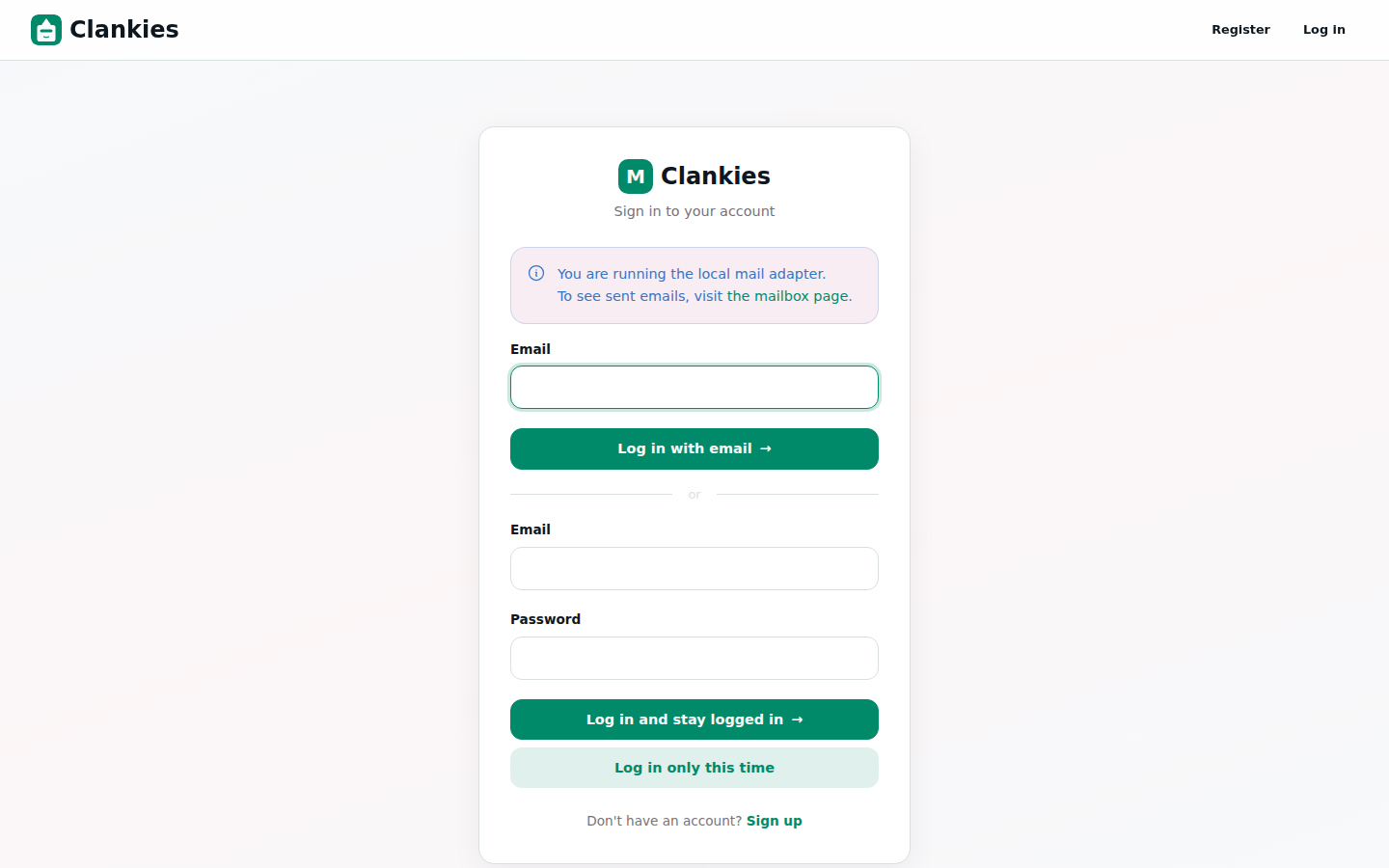
The new Clankies login page with custom branding and the Pop-D icon.
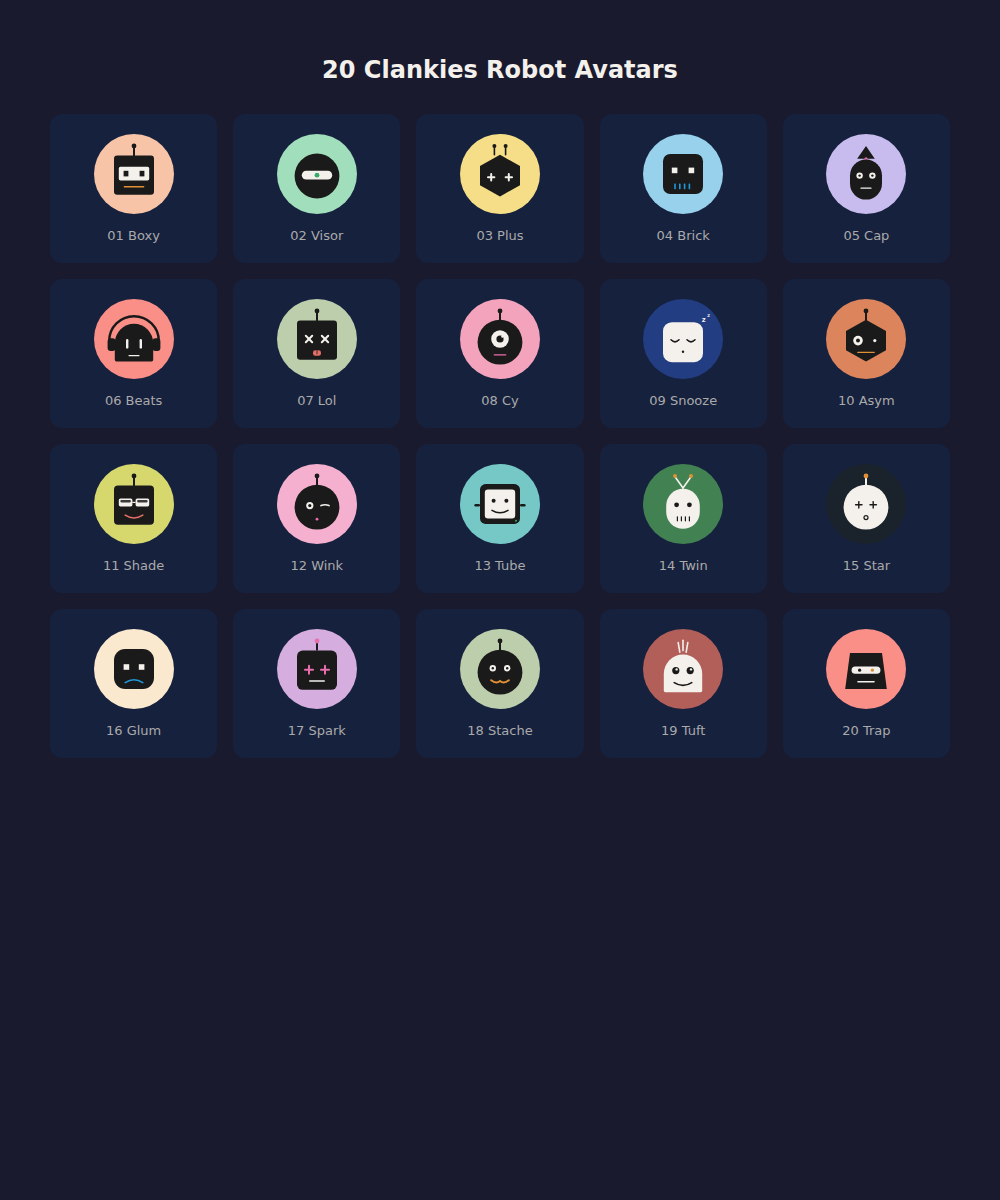
Twenty custom SVG avatars — each with its own personality, designed in-house.
What Changed
1. Project Rename: MiniOns → Clankies
Every module, config, migration, and template was renamed from Minions/minions_web to Clankies/clankies_web. A massive 177-file refactor that touched the entire stack — from mix.exs to the database migrations, from the Phoenix router to the Ecto schemas, from the blog theme to the Docker Compose config.
Why? The project outgrew its working title. “Clankies” carries the right vibe — mechanical, playful, team-oriented — and the rename was clean because the codebase was still young enough to absorb it without breaking dependents.
Alongside the rename, we added:
- 20 custom SVG avatars (
av-01-boxythroughav-20-trap), each with its own visual identity — a visor, a wink, a stache, a spark. These live inpriv/static/images/avatars/and are selectable during agent creation. - A custom logo icon (
pop-d.svg) — the distinctive pink/magenta diamond that now appears in the favicon, the blog header, and the login page. - A custom Hugo blog theme (
themes/clankies/) replacing the generic MiniOns theme, with the iceberg backlog visualization carried forward.
2. Deploy Pipeline: From Manual to CI/CD
Before this slice, deploying meant SSH’ing into the server and running a fragile script with known race conditions. Now GitHub Actions handles it automatically — push to main deploys production, push to staging deploys staging.
Production workflow (.github/workflows/deploy.yml):
Push to main → SSH into server → /opt/clankies/scripts/deploy.sh
Staging workflow (.github/workflows/deploy-staging.yml):
Push to staging → SSH into server → /opt/clankies/scripts/deploy-staging.sh
Three critical fixes landed in the deploy scripts:
| Fix | Problem | Solution |
|---|---|---|
| Migration ordering | Old server was stopped after migrations, causing :eaddrinuse when the new release tried to bind port 6000 |
pull → test → build → stop → migrate → start — kill the BEAM before running migrations |
| Env var leak | DATABASE_URL, SECRET_KEY_BASE, and PHX_HOST from prod.env leaked into the test subshell, making Ecto use a regular connection pool instead of the SQL Sandbox |
Full unset of all prod-only env vars before the test step |
| Brevo TLS | Port 587 uses STARTTLS; tls: :always caused :tls_failed on every email attempt |
Changed to tls: :if_available — SMTP now works correctly |
3. Staging Environment
A full staging instance now runs alongside production for pre-merge testing:
| Aspect | Production | Staging |
|---|---|---|
| Domain | clankies.party | staging.clankies.party |
| Port | 6000 | 6001 |
| Database | clankies_prod | clankies_staging |
| Auth | Public | Authelia (2FA) |
| Process Mgmt | pkill -f "clankies.*beam" |
PID file (avoids killing prod) |
| Trigger | Push to main |
Push to staging branch |
The staging script uses a PID file (/opt/clankies/staging/server.pid) instead of pkill, so it never accidentally terminates the production process. The database is isolated (clankies_staging), and the staging domain is behind Authelia for access control.
4. Bug Fix Squash
Four bugs were fixed that directly impacted user experience:
- API key not configured — When a user hadn’t set up their DeepSeek API key, the agent simply failed silently. Now the AgentServer detects the missing key before calling the adapter and broadcasts a clear inline error: “No API key configured. Go to Settings → API Providers to add your DeepSeek API key.” The agent resets to
idlestate so the user can configure and retry immediately. - Avatar form field clearing — Changing an agent’s avatar caused all other form fields to empty out. Fixed by preserving the full form state on avatar selection.
- Power-Up button inactive — The “Add Power Up” button on agent config was a no-op. The click handler wasn’t wired to the LiveView event. Fixed with proper
phx-clickbinding. - Alert text color — Flash messages had a strange pinkish background making text hard to read. The
.alertCSS was cleaned up against the DaisyUI v5 migration.
5. Trello Integration: Architecture & Backend
The biggest architectural investment of this slice: designing and partially implementing a full Trello Power-Up integration.
ADR-004 defines a three-layer architecture:
Trello Auth (OAuth flow + Ecto schemas)
  ↕
Trello Webhook Receiver (Phoenix endpoint + async processor)
  ↕
Trello Power-Up Module (implements PowerUp behaviour)
The backend implementation is substantial (~4,200 lines across 39 files):
Clankies.Trello.TrelloConnection— Ecto schema for user Trello auth tokens (supports both API Key + Token and future OAuth 1.0a)Clankies.Trello.TrelloBoardMapping— Maps a Trello board to a Clankies agent with per-board configClankies.Trello.ApiClient— Req-based REST client that injects API key + user token into every requestClankies.Trello.Auth— OAuth flow logic (token exchange, validation viaGET /1/members/me)Clankies.Trello.WebhookRegistrar— Registers/deregisters webhooks with Trello’s APIClankies.Trello.EventProcessor— Inbound webhook events → formatted agent messagesClankies.PowerUps.Trello.Trello— ImplementsPowerUpbehaviour with 8 agent tools (trello_get_card,trello_search_cards,trello_create_card,trello_update_card,trello_add_comment,trello_move_card,trello_get_board_lists,trello_assign_member)- LiveView UI —
TrelloSettingsLivefor board selection and mapping - Controllers —
TrelloController(OAuth browser flow),TrelloApiController(board listing/mapping API),TrelloWebhookController(webhook receiver),PowerUpController(static iframe assets)
The Trello Power-Up module gives agents a system_prompt_fragment that teaches them about connected Trello boards, so when a card moves to “Done” or a comment is added, the agent can respond autonomously.
A self-event filter prevents agent action loops (actions triggered by Clankies itself are skipped by comparing the memberCreator ID against the connected Trello user).
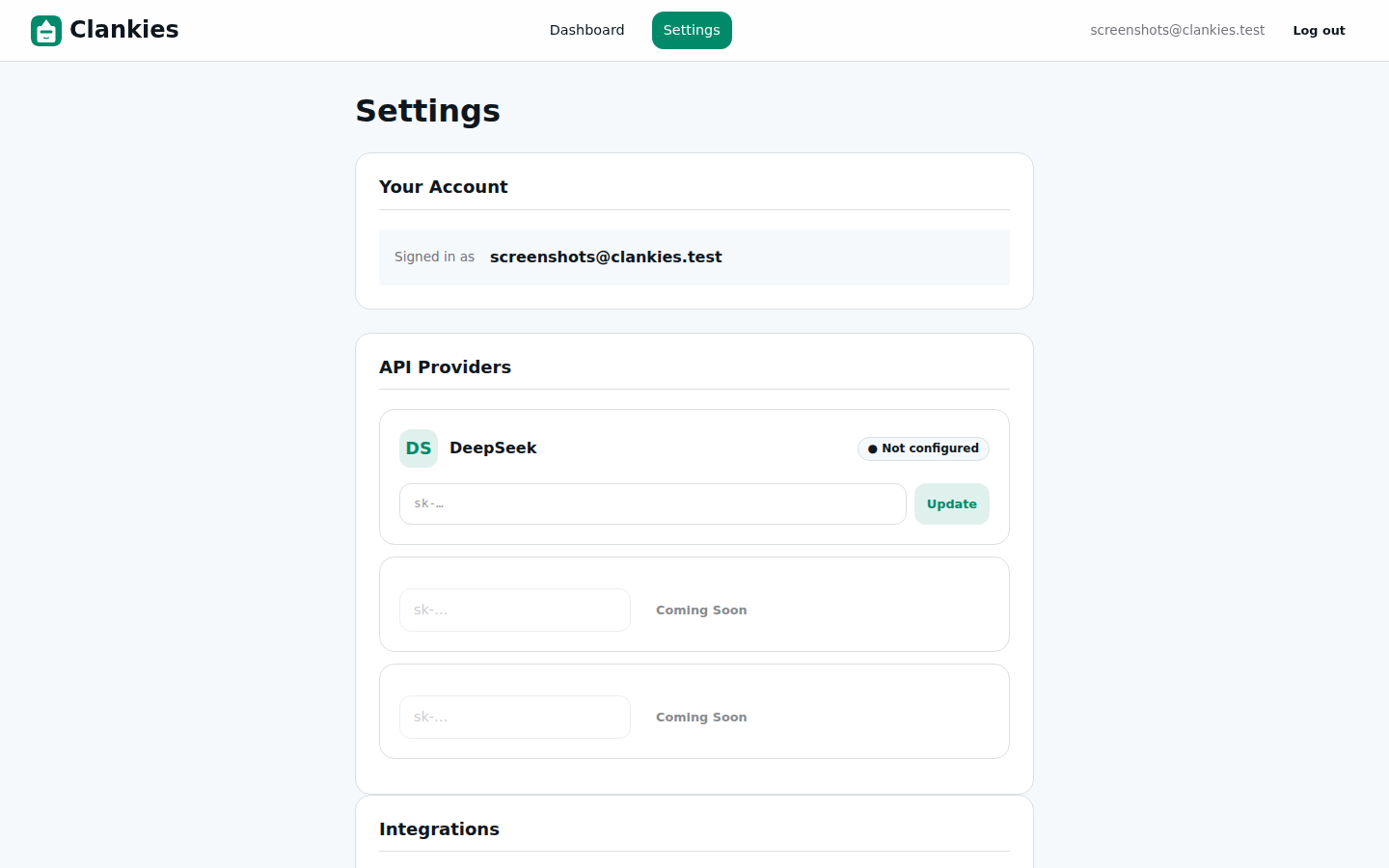
The Settings page where users configure API providers and manage agent settings.
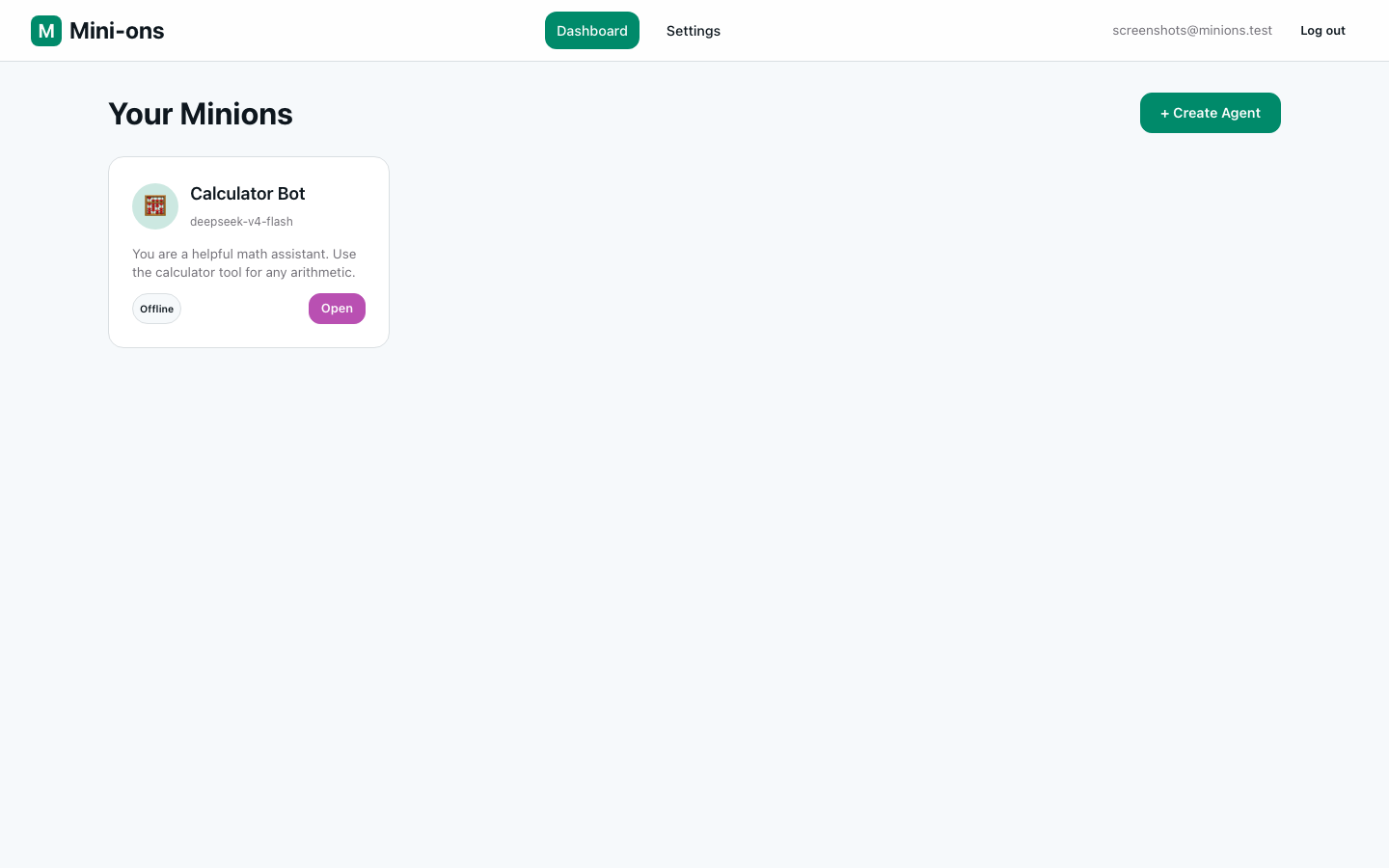
The Clankies dashboard after the rename — agents are now selectable with custom avatars.
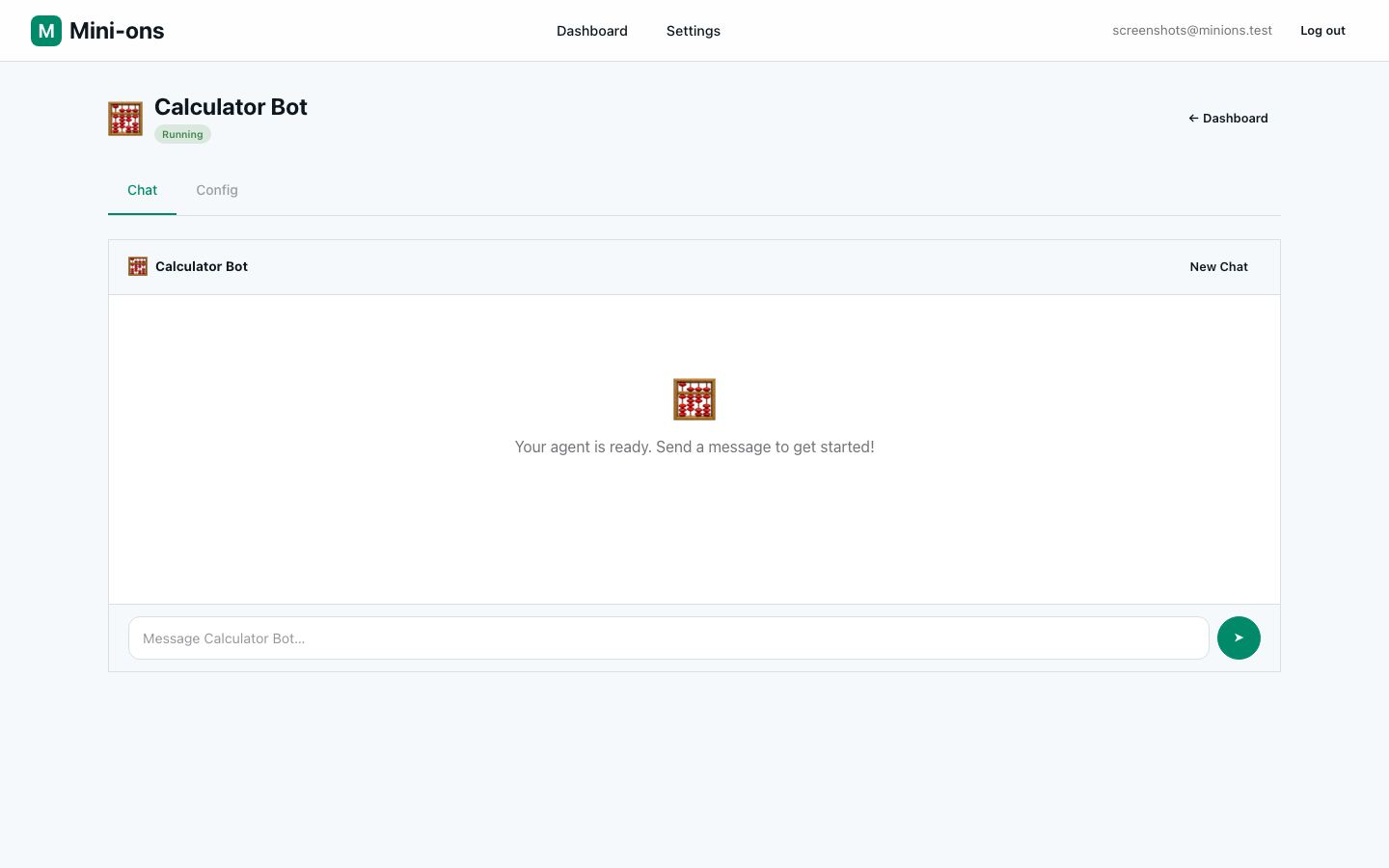
The agent chat interface, now with inline error messages when an API key is missing.
Architecture
CI/CD Deploy Pipeline Flow
sequenceDiagram
    participant Dev as Developer
    participant GH as GitHub
    participant GA as GitHub Actions
    participant Server as Server
    participant DB as PostgreSQL

    Dev->>GH: Push to main
    GH->>GA: Trigger deploy workflow
    GA->>Server: SSH: /opt/clankies/scripts/deploy.sh

    rect rgb(40, 40, 50)
        Server->>Server: git pull origin main
        Server->>Server: mix test (env-isolated subshell)
        Server->>Server: mix assets.deploy
        Server->>Server: mix release --overwrite
    end

    Server->>Server: pkill -f "clankies.*beam"
    Note right of Server: Kills old BEAM BEFORE migration

    Server->>DB: ecto.migrate (clankies_prod)
    DB-->>Server: Migrations applied

    Server->>Server: nohup start.sh &
    Server->>Server: Health check (curl :6000)
    alt Healthy
        Server->>Server: hugo build → blog output
        Server-->>GA: ✅ Status 200
    else Failed
        Server-->>GA: ❌ Rolling back...
    end

    GA-->>Dev: Deploy result (GitHub)
The key insight here is order matters. The original script ran migrations before stopping the old server, which meant the $APP_BIN eval that started the app for migrations would crash with :eaddrinuse because the old BEAM was still on port 6000. Moving pkill before the migration step fixed a recurring deploy failure.
Staging vs Production Isolation
graph TD
    subgraph "GitHub"
        Main["main branch"]
        Staging["staging branch"]
        GA["GitHub Actions"]
    end

    subgraph "Server"
        subgraph Production
            P_SCRIPT["deploy.sh<br/>(pkill + :6000)"]
            P_DB[("clankies_prod")]
            P_APP["BEAM :6000"]
            P_BLOG["Hugo → blog.party"]
        end

        subgraph Staging
            S_SCRIPT["deploy-staging.sh<br/>(PID file + :6001)"]
            S_DB[("clankies_staging")]
            S_APP["BEAM :6001"]
        end
    end

    Main -->|push| GA
    Staging -->|push| GA
    GA -->|SSH| P_SCRIPT
    GA -->|SSH| S_SCRIPT
    P_SCRIPT --> P_APP --> P_DB
    S_SCRIPT --> S_APP --> S_DB
Technical Decisions
| Decision | Rationale | Trade-offs |
|---|---|---|
| PID file for staging | Avoids accidentally killing production when pkill -f "clankies.*beam" matches both instances |
Extra complexity in script; must handle stale PID files |
| API Key + Token first | Trello’s recommended Power-Up auth; token never expires | No refresh flow needed; OAuth 1.0a support deferred |
| ETS dedup for webhooks | Simpler than DB-backed idempotency; handles 99.9% of duplicate deliveries | Not durable across restarts; 5-min TTL window |
| Ad-hoc Req client | Consistent with existing HTTP stack; no new deps | No built-in retry with exponential backoff yet |
| Snapshot-only blog deploy | Blog builds during deploy; no GitHub Pages action needed | Deploy failure also means stale blog; uncoupled via separate workflow later |
What We Learned
- Deploy ordering is hard. A subtle ordering bug (
migrate → stop → startinstead ofstop → migrate → start) caused intermittent failures that were hard to reproduce locally because the race condition only happens when the old server is healthy and the new release is building — a cross-section of production-only timing. - env leaks are silent until they crash.
prod.envsourced withset -ain the deploy script leakedDATABASE_URLinto the test subshell. The symptom (cannot invoke sandbox operation) pointed at Ecto config, but the root cause was in the deploy script, not the app. Alwaysunsetprod vars before running tests in a deploy context. - Snap Chromium +
file://is a dead end. Snapped browsers can’t access local files. All screenshot workflows must use the dev server or a Python HTTP server. - Custom avatars are surprisingly engaging. The 20 SVG set took design effort but immediately gave the app personality. Users connect to their agent through its visual identity — it’s not cosmetic, it’s UX.
What’s Next
The Trello Power-Up backend is implemented and tested, but the Power-Up behaviour module (Slice 3) is blocked pending the test schema alignment. Next steps are to unblock the splitter, complete the behaviour module, and wire up the iframe connector so agents can interact with Trello cards in real time.