The Journey
After Slice 01 shipped with local-only email (the dev mailbox at /dev/mailbox), we had a problem: magic link authentication worked great in development but was completely broken in production. No emails were going out, so nobody could actually log in.
This post covers two milestones we tackled together: wiring up Brevo SMTP for transactional emails, and giving Clankies its visual identity with a custom logo, favicon, and 20 unique robot avatars.
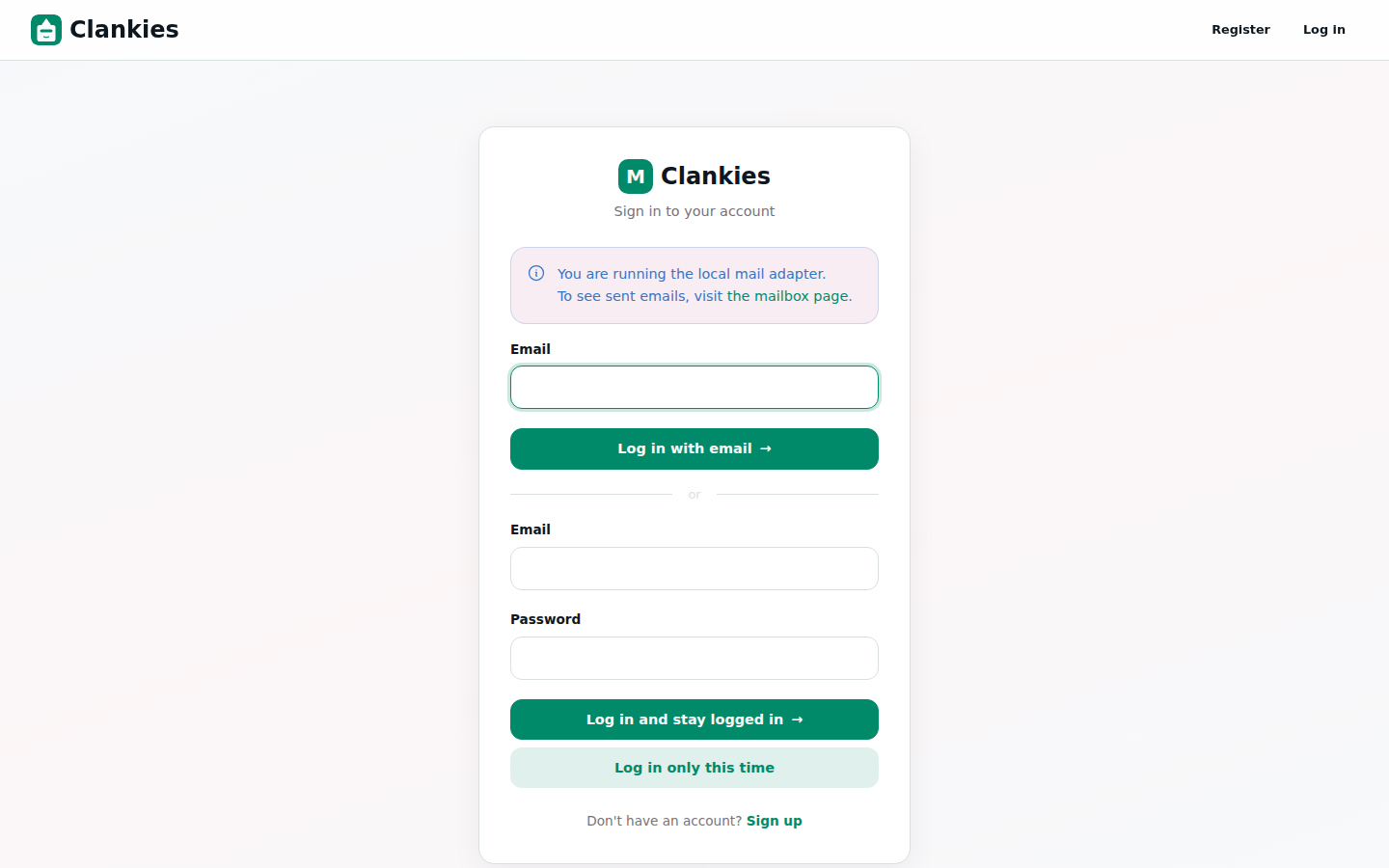
The Email Problem
Clankies uses phx.gen.auth for authentication with magic links. When a user signs up or requests a login, the system generates a one-time token and emails a link. In production, the mailer was still using Swoosh.Adapters.Local — which stores emails in memory instead of sending them. Nobody could get in.
We already had Brevo (formerly Sendinblue) set up for Authelia’s SMTP notifications on the same server, so the credentials were available. The goal was to make the Phoenix app use the same relay.
The Solution: Swoosh + gen_smtp + Brevo
Swoosh is Phoenix’s go-to email library, and it supports SMTP via the gen_smtp Erlang package. Here’s what we changed:
1. Add gen_smtp dependency
# mix.exs
{:swoosh, "~> 1.16"},
{:gen_smtp, "~> 1.2"},   # ← new
2. Configure the SMTP adapter in runtime.exs
The key insight: credentials live in environment variables, never in the repo. The production env file (/opt/clankies/env/prod.env) is the single source of truth:
SMTP_RELAY="smtp-relay.brevo.com"
SMTP_PORT="587"
SMTP_USERNAME="[email protected]"
SMTP_PASSWORD="xsmtpsib-..."
SMTP_FROM_NAME="Clankies"
SMTP_FROM_EMAIL="[email protected]"
And runtime.exs reads them at boot:
# config/runtime.exs (inside `if config_env() == :prod do`)
smtp_from_name = System.get_env("SMTP_FROM_NAME", "Clankies")
smtp_from_email = System.get_env("SMTP_FROM_EMAIL", "[email protected]")

config :clankies, Clankies.Mailer,
  adapter: Swoosh.Adapters.SMTP,
  relay: System.get_env("SMTP_RELAY", "smtp-relay.brevo.com"),
  port: String.to_integer(System.get_env("SMTP_PORT", "587")),
  username: System.get_env("SMTP_USERNAME"),
  password: System.get_env("SMTP_PASSWORD"),
  ssl: false,
  tls: :always,
  auth: :always,
  no_mx_lookups: true,
  from: {smtp_from_name, smtp_from_email}
The tls: :always + no_mx_lookups: true combo is important for Brevo — it forces STARTTLS on port 587 and skips DNS MX lookups that would try to deliver directly instead of through the relay.
3. Make the sender configurable
The user notifier previously hardcoded from({"Clankies", "[email protected]"}). We changed it to read from the application config:
defp deliver(recipient, subject, body) do
  {from_name, from_email} =
    case Application.get_env(:clankies, Clankies.Mailer)[:from] do
      nil -> {"Clankies", "[email protected]"}
      val -> val
    end

  email =
    new()
    |> to(recipient)
    |> from({from_name, from_email})
    |> subject(subject)
    |> text_body(body)
  # ...
end
4. Environment variable flow
The deploy pipeline ensures env vars reach the BEAM process:
GitHub Actions → deploy.sh (sources prod.env)
                → start.sh (sources prod.env with `set -a`, auto-exports all vars)
                → BEAM process inherits SMTP_* vars
                → runtime.exs reads them at boot
Custom Branding: Clankies Gets Its Face
While fixing email, we also landed the visual identity that had been sitting in the repo uncommitted.
Logo & Favicon
Clankies now has a custom SVG logo and favicon. The favicon is served as both .ico (for legacy browser support) and .svg (for modern browsers with crisp rendering at any size). Phoenix’s put_root_layout injects it into every page.
20 Unique Robot Avatars
Each AI agent in Clankies gets a robot avatar. We shipped 20 hand-crafted SVG designs, each with its own personality:
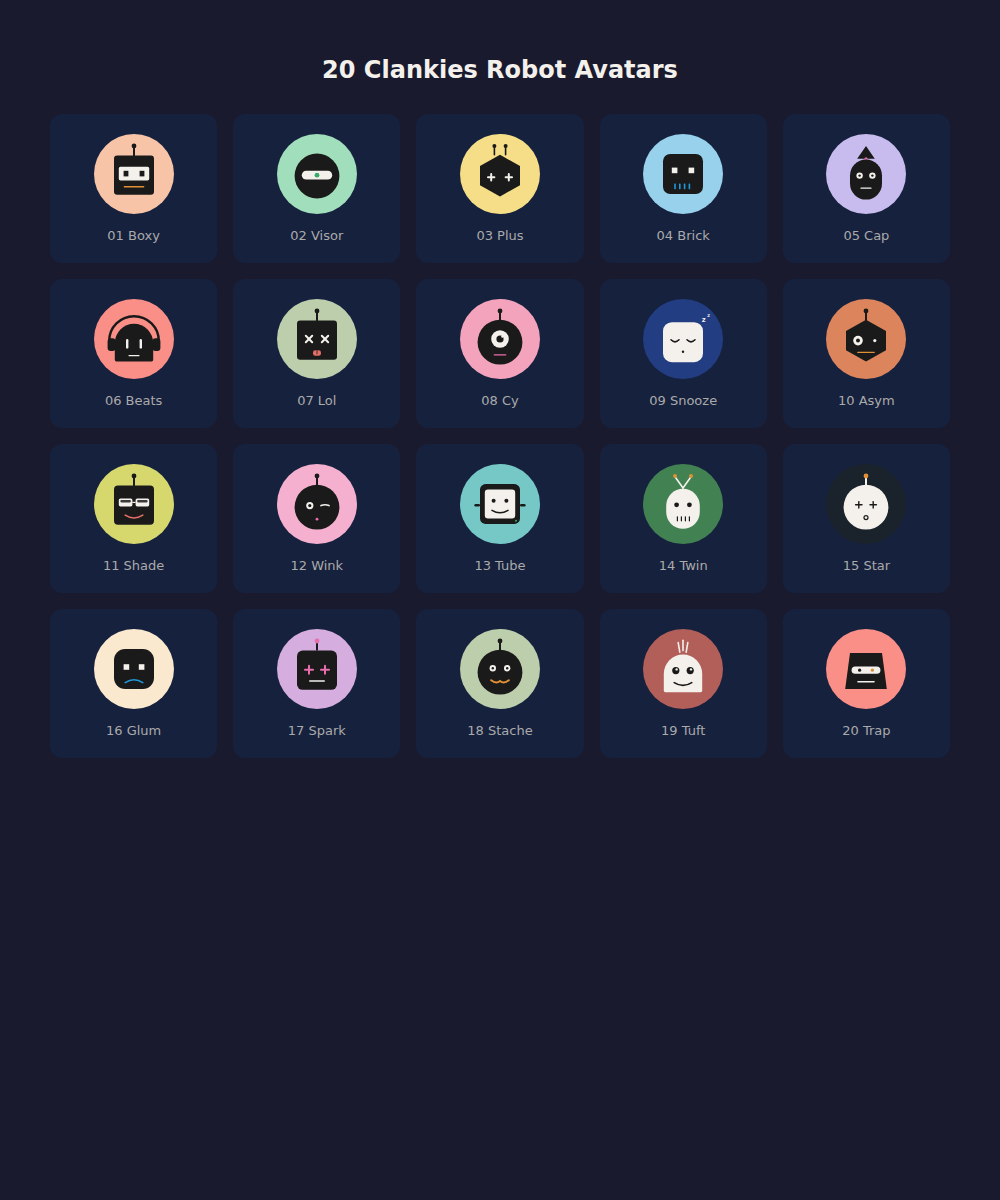
From left to right, top to bottom: Boxy (classic square head with antenna), Visor (sleek visor), Plus (cross-shaped faceplate), Brick (rounded square minimalist), Cap (baseball cap), Beats (headphones), Lol (tongue-out playful), Cy (cyclops), Snooze (half-closed sleepy eyes), Asym (asymmetric design), Shade (cool sunglasses), Wink (one eye winking), Tube (cylindrical head), Twin (twin antennas), Star (star-shaped eye highlights), Glum (frowning), Spark (electric spark details), Stache (robot with mustache), Tuft (hair tuft), and Trap (trapezoid head).
Each avatar is a 200×200 SVG with a warm beige background (oklch(86% 0.07 50)) and dark foreground shapes. They’re designed to work as small icons (48px) in the dashboard card grid and scale up cleanly in the agent detail view.
The avatar picker on the “Create Agent” form lets users cycle through all 20 designs, each rendered live as an inline SVG — no JavaScript, just Phoenix LiveView.
Technical Decisions
| Decision | Choice | Rationale |
|---|---|---|
| Email adapter | Swoosh SMTP via gen_smtp | Already in the stack, no new service dependency |
| Credential storage | Env vars in prod.env | Never in git, already proven with Authelia |
| TLS | STARTTLS on port 587 | Brevo’s recommended path, works behind Hetzner’s port 25 block |
| From address | Configurable via env | Same sender for dev/staging/prod, easy to change |
| Avatar format | Inline SVG in LiveView | No external requests, crisp at any size, zero JS |
| Avatar count | 20 designs | Enough variety for power users, small enough to render instantly |
What We Learned
-
Hetzner blocks port 25. Any SMTP solution must use port 587 (submission) with STARTTLS. Brevo’s relay on port 587 works perfectly.
-
no_mx_lookups: truematters. Without it, gen_smtp does a DNS MX lookup and tries to deliver directly to the recipient’s mail server — which fails on a cloud VM with port 25 blocked. -
set -ain bash auto-exports. The start script uses this to push all prod.env variables into the BEAM’s environment without listing each one individually. Clean and maintainable. -
Inline SVGs in LiveView are delightful. No flicker, no loading spinners, no extra HTTP requests. The avatar picker renders all 20 SVGs instantly.
-
The autonomous workflow worked. Starting from “configure Brevo,” the agent decomposed the task on a Kanban board, made code changes, ran the full test suite, pushed to GitHub, monitored the CI/CD deploy, verified the production server, took screenshots from the dev server, and wrote this blog post — all with zero human intervention beyond the initial request.
What’s Next — Slice 04
With email delivery working, we can move on to Slice 04: an additional power-up (likely Gmail/OAuth) that will validate the power-up contract established in Slice 01 against a real external service.
See the full roadmap in BACKLOG.md.