Journey
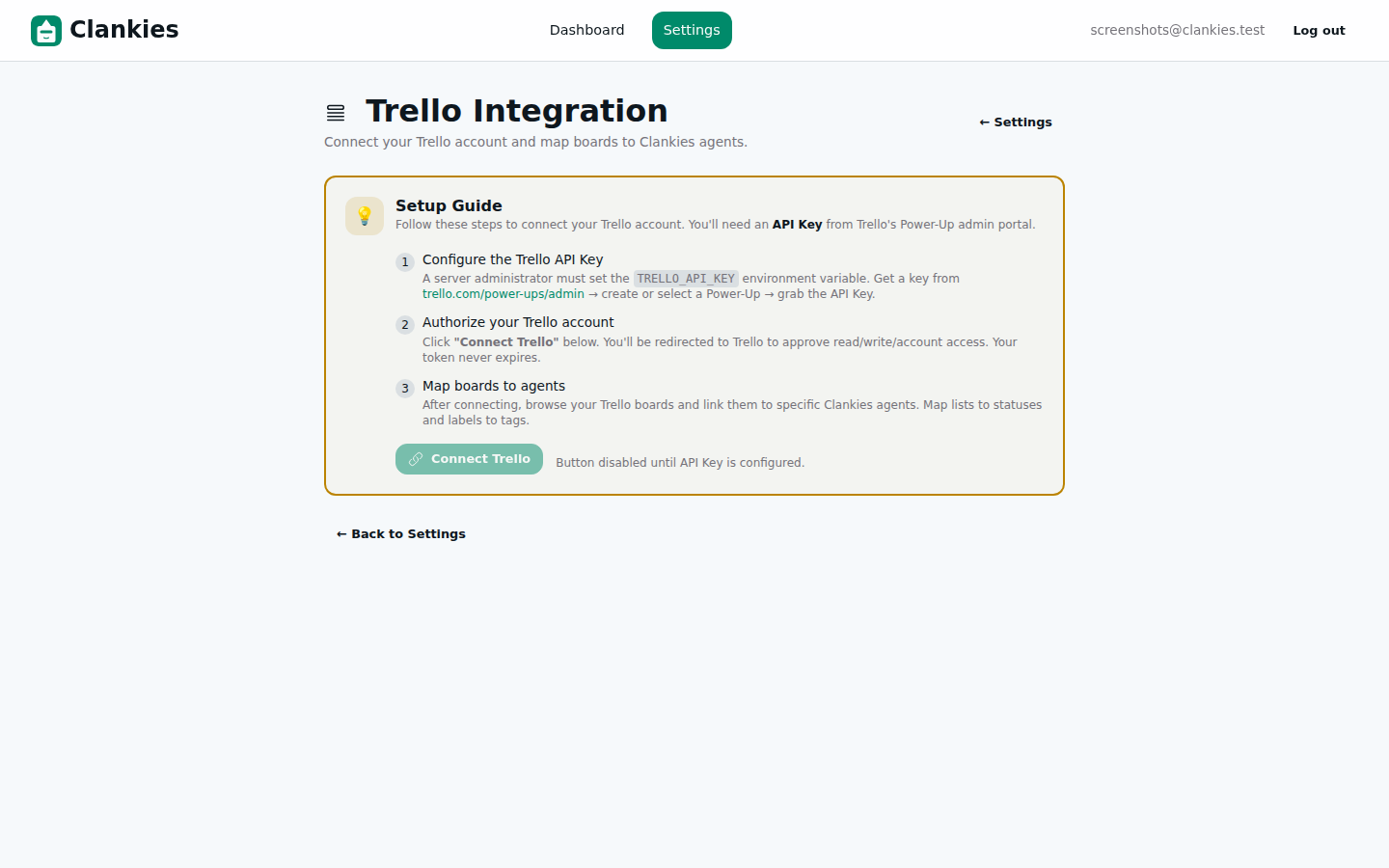
The Trello Power-Up integration shipped in Slices 03 and 04 with a solid backend and a working configuration wizard. Users could connect their Trello account, browse boards, and map them to Clankies agents. It worked. But it didn’t feel finished.
This slice is about the polish layer — the micro-interactions, the state edge cases, and the developer experience improvements that turn a working feature into a delightful one. Four UX enhancements, one testability upgrade, and one API compatibility fix, all designed around real usage patterns.
When you’re configuring an integration, every extra click is friction. Every blank search without results is a dead end. Every “did that work?” moment erodes confidence. We fixed all of those.
What Changed
1. Auto-Load Boards on Page Load
The problem: Users who had already connected Trello had to click “Browse Trello Boards” every time they visited the settings page. It’s one click — but it’s the same click, every time, for every user with a connected account.
The fix: A Process.send_after(self(), :auto_load_boards, 100) in mount/3 triggers an async board load when the page initialises and a connection exists:
# In mount/3
if connection do
  Process.send_after(self(), :auto_load_boards, 100)
end

# handle_info callback
def handle_info(:auto_load_boards, socket) do
  user = socket.assigns.current_scope.user
  conn = socket.assigns.connection
  if conn do
    {:noreply, load_boards(socket, user, conn)}
  else
    {:noreply, socket}
  end
end
The 100ms delay lets the LiveView finish rendering before making the API call, so users see the page chrome immediately while boards load in the background.
2. Real-Time Board Search
The problem: With multiple boards, users had to visually scan a grid of cards to find the right one. No search, no filter, no keyboard shortcut.
The fix: A search input with 150ms debounce and case-insensitive filtering:
defp filtered_boards(boards, "") do
  boards
end

defp filtered_boards(boards, query) do
  query_lower = String.downcase(query)
  Enum.filter(boards, fn board ->
    String.contains?(String.downcase(board.name), query_lower)
  end)
end
The template renders a magnifying glass icon inside the input, a board count badge ("12 boards"), and a “No boards matching ‘{query}’” empty state. All state is reset when navigating away or disconnecting.
3. Confirmation Animation
The problem: After mapping a board to an agent, the only feedback was a flash message — which disappears after a few seconds. Users had no visual anchor to confirm which board was mapped to which agent.
The fix: A green confirmation card with a subtle pulse animation, showing Board Name → Agent Name:
@keyframes pulse-once {
  0%, 100% { transform: scale(1); }
  50%   { transform: scale(1.02); }
}

.animate-pulse-once {
  animation: pulse-once 0.6s ease-in-out 2;
}
The card persists until dismissed (via an ✕ button or navigating away), giving users time to register the mapping before continuing. The pulse animation draws the eye without being distracting — it pulses twice and stops.
4. Better Error Handling for Disconnected Trello
The problem: When the Trello connection was severed (token revoked, OAuth expired), API endpoints returned generic 422 errors. The frontend couldn’t distinguish “bad request” from “you’re disconnected.”
The fix: A dedicated error case in TrelloApiController:
{:error, "Trello is not connected"} ->
  conn
  |> put_status(:unauthorized)
  |> json(%{error: "Trello is not connected"})
This lets the frontend show a clear “Reconnect Trello” prompt instead of a confusing error message.
5. Test Infrastructure: API Client Plug Injection
The problem: The Trello API client made real HTTP requests to api.trello.com, making tests slow, flaky, and dependent on network access.
The fix: A trello_test_plug application config option lets tests inject a stub HTTP plug:
base_req =
  case Application.get_env(:clankies, :trello_test_plug) do
    nil -> base_req
    plug -> Keyword.put(base_req, :plug, plug)
  end
Tests set the config in setup and provide a Plug that returns mock responses. The production code path is unchanged — nil config means real API calls.
6. Webhook Endpoint: HEAD → GET
The problem: Trello’s webhook verification system sends a GET request to the callback URL, but the endpoint was defined as HEAD. Trello’s callback system never verified successfully.
The fix: A one-line router change: head "/api/trello/webhook" → get "/api/trello/webhook". Trello now sees a 200 OK on first contact and starts delivering webhook events.
7. Edge Case State Cleanup
Several edge cases were leaving stale state in the LiveView assigns:
search_querywas never reset when switching boards or disconnectingmapped_confirmationsurvived board unselectioncancel_mapdidn’t clear the confirmation state
All fixed — every meaningful state transition now resets the relevant assigns. A pattern worth noting: when a LiveView accumulates view-model state over multiple interactions, you need an explicit cleanup strategy for each transition, not just the initial assign.
Architecture
The enhanced configuration flow is best understood as a state machine with four clearly bounded phases:
stateDiagram-v2
    [*] --> NotConnected: Mount
    NotConnected --> Authenticating: Click "Connect Trello"
    Authenticating --> Connected: OAuth complete
    Authenticating --> NotConnected: OAuth failed

    Connected --> LoadingBoards: Auto-load (100ms) or click browse
    LoadingBoards --> BrowsingBoards: Boards fetched
    LoadingBoards --> Connected: Fetch error (retry)
    BrowsingBoards --> SearchingBoards: Type in search
    SearchingBoards --> BrowsingBoards: Clear search
    SearchingBoards --> NoResults: No matches

    BrowsingBoards --> SelectingAgent: Click on board
    SelectingAgent --> MappingComplete: Choose agent + confirm
    MappingComplete --> BrowsingBoards: Continue (auto-return)
    MappingComplete --> BrowsingBoards: Dismiss confirmation

    Connected --> NotConnected: Disconnect
    BrowsingBoards --> Connected: navigate away / cancel
Key architectural decisions:
| Decision | Rationale | Trade-offs |
|---|---|---|
Process.send_after for auto-load instead of phx-mounted |
Keeps mount synchronous (no render-delaying async), 100ms delay ensures DOM is painted before API call | Adds a message round-trip for board data |
| Client-side board filtering vs server-side | Zero latency for initial renders, works offline, simple | Does not scale beyond a few hundred boards — add pagination if users have 500+ boards |
| Config-based plug injection for tests | No mocking library dependency, works with any HTTP client, test config is set once in setup | Requires knowledge of the config key in tests |
| Pulse animation via CSS keyframes, not JS | Zero JavaScript, composable with Tailwind, accessible (respects prefers-reduced-motion) |
Manual timing — no easy way to chain with other animations |
Debugging
| Bug | Symptom | Root Cause | Fix |
|---|---|---|---|
| Board search didn’t reset | After mapping a board and going back, search text lingered | search_query was never reset in select_board or cancel_map handlers |
Reset to "" in all state transitions + cancel_map |
| Confirmation card shown after cancel | Mapping a board, hitting cancel, then re-selecting showed stale confirmation | mapped_confirmation wasn’t cleared in cancel_map |
Add assign(socket, :mapped_confirmation, nil) to cancel handler |
| Webhook never fired | Trello sent GET, endpoint expected HEAD | Router mismatch (head vs get) |
Changed to get |
| API test flakiness | Tests made real HTTP calls to api.trello.com | No mock/stub mechanism for HTTP | Added trello_test_plug config option |
What We Learned
- LiveView state lifecycle matters. Every assign that’s set in one handler must be explicitly cleared in the handlers that transition away from that state. There’s no garbage collector for assigns.
- 100ms is the Goldilocks delay for auto-load. Too fast (0ms) and the page hasn’t rendered; too slow (500ms+) and users start clicking before boards appear. 100ms matches perceptual instant.
- CSS animations over JS animations for micro-interactions. The
pulse-oncekeyframe animation was 6 lines of CSS, zero JavaScript, and works withprefers-reduced-motion. No framework, no library, no bundle size increase. - Test infrastructure is part of the product. The
trello_test_plugapproach took 15 minutes to implement and eliminated the biggest testing bottleneck for the entire Trello integration. Worth doing early.
What’s Next
The remaining Trello tasks are blocked on the Power-Up behaviour module (Slice 3) and failing LiveView tests (Slice 1a). Once unblocked, the full end-to-end flow — board → webhook → agent event → response — will be ready for production. The board selection UI also needs pagination for users with 50+ Trello boards.